
Shopify & WordPress Development
Custom WordPress plugin development for site-specific features and commercial plugins, with licensing, updates and secure code from the start.
What you get
WordPress runs a large share of business websites, and many of them carry business logic in the wrong places: a growing functions.php, snippets pasted into a code plugin, or a page builder doing work it was never designed for. When the developer who wrote it moves on, nobody knows what depends on what.
Custom WordPress plugin development puts that logic in one clear, versioned place. A plugin can add custom content types and fields, connect WordPress to your CRM or booking system, expose data through the REST API, or give your team admin screens built for their actual tasks.
We also build commercial plugins for people who want to sell them. That is a different job: licensing, an update server, compatibility across hosts and themes, and support. We do it for our own WooCommerce plugin, RFQ Pro, so we know the parts that tend to be underestimated.
If your plugin is mainly about selling, such as pricing, quotes or checkout, our WooCommerce development service is the closer fit.
The problem
Many WordPress sites start simple and grow by accretion. A form plugin here, a code snippet there, a premium plugin configured to do something it almost does. Years later, the site handles real business: member access, lead routing, event bookings, client portals. Nobody can say exactly how.
The risks are practical. An update breaks a form that feeds your sales pipeline. A snippet without a capability check exposes data to logged-in users who should not see it. Performance drops because three plugins load the same library on every page.
A custom plugin gives that logic a home with version control, tests and documentation. It can also replace several overlapping plugins with one that does exactly what you need.
What we build
Custom post types, taxonomies, fields and database tables for directories, listings, resources, projects or anything your site needs to store and display.
Send form leads to HubSpot, Salesforce or Pipedrive, sync members with a billing system, or pull data from an internal API, with background processing and error logs.
Member areas, client portals and role-based access, using WordPress capabilities properly rather than hiding things with CSS.
Custom blocks your editors can use to build pages, with sensible defaults so content stays consistent with your design.
Screens for bulk updates, approvals, imports and reporting, built for the people who manage the site every day.
Plugins you plan to sell, with license keys, automatic updates, a settings onboarding flow and readiness for WordPress.org guidelines if you also want a free version.
Scenarios
A consultancy's site has several enquiry forms. A plugin scores and routes each lead to the right partner, creates the contact in HubSpot and posts a summary to Slack, replacing a chain of Zapier steps.
An accounting firm wants clients to log in and download their own documents. A plugin manages client accounts, file permissions and download logs, with files kept outside the public uploads folder.
An agency built a useful plugin for its own clients and wants to sell it. We clean up the code, add licensing and updates, and prepare it for wider use on hosts and themes it was never tested on.
A site relies on 40 snippets in functions.php. We move them into a documented plugin, remove the dead ones and add checks, so a theme change no longer takes features down with it.
How we build it
A plugin runs inside every request to your site, so quality matters more than it might seem. These are the practices we follow on every build.
We extend WordPress through actions and filters, namespace our code, and load only what each request needs. Your plugin does not slow down pages that do not use it, and other plugins can extend it through hooks we document.
Every form and action checks a nonce and the user's capability. Input is sanitized on the way in and escaped on the way out, and database queries use prepared statements. We run the WordPress Coding Standards with PHPCS as part of the build.
Where other systems need to talk to your site, we add authenticated REST API endpoints. Slow work, like syncing with a CRM, runs through Action Scheduler or WP-Cron rather than making a visitor wait.
For commercial plugins we set up license key validation and an update mechanism that hooks into the standard WordPress updates screen, so customers update with one click. We have run this for RFQ Pro and know the edge cases: expired licenses, staging sites and rollbacks.
If your plugin touches orders or products, we declare and test HPOS compatibility and use WooCommerce's CRUD APIs. For the full range of our commerce work, see Shopify and WordPress development, or browse our own products.
FAQ
Theme code disappears when you change themes, and functions.php is hard to test or version. A plugin keeps business logic separate from design, so it survives redesigns and can be enabled, disabled or updated on its own.
Yes. We follow the plugin directory guidelines on licensing, security and data handling. Many commercial plugins pair a free WordPress.org version with a paid version that adds features through a separate licensed plugin.
Customers enter a license key, the plugin checks it against a license server, and updates appear in the normal WordPress updates screen. We can use an existing platform such as Freemius or Easy Digital Downloads, or build a lightweight license server for you.
Usually, yes. We can provide shortcodes, Gutenberg blocks or widgets for Elementor and similar builders. We confirm which builder you use during scoping and test against it.
Your choice. You get the code and documentation, so your own developer can maintain it. We also offer maintenance that covers WordPress and PHP updates, security fixes and small changes.
Yes, for tasks like drafting content, summarizing submissions or answering questions from your documentation using Claude or OpenAI. We keep API keys server-side, add usage limits to control cost, and include human review where accuracy matters.
Tell us what the plugin should do, who will use it and whether it is for your site or for sale. We will reply with questions, a suggested structure and a realistic time range.
We pick tools for your situation, not ours. These are the ones we reach for most on this kind of work.
How we built a Shopify app that turns live product data into branded, print-ready PDF catalogs and wholesale line sheets, with share links that create draft orders.
Read the storyHow we built a WooCommerce plugin that takes a quote from an Add to Quote button through PDF quotations and negotiation to a paid order, without leaving the store.
Read the storyWe don't just build for clients. These are our own products, used by real stores. See all products.
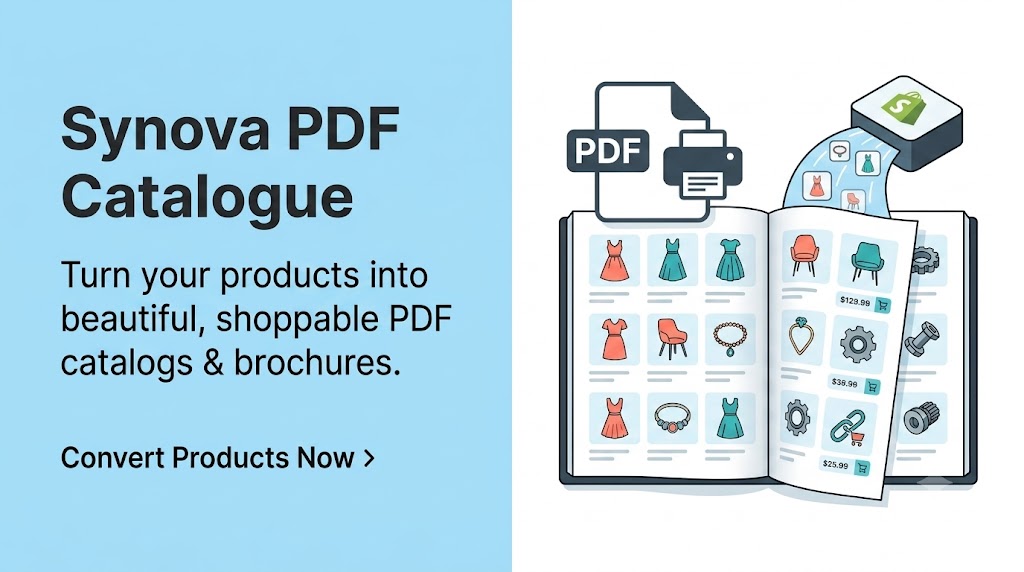
Turn your products into beautiful PDF catalogs, brochures & wholesale line sheets.
Return abuse, explained — not just flagged. Score every return and refund 0–100, see exactly why, and decide with your team in control.
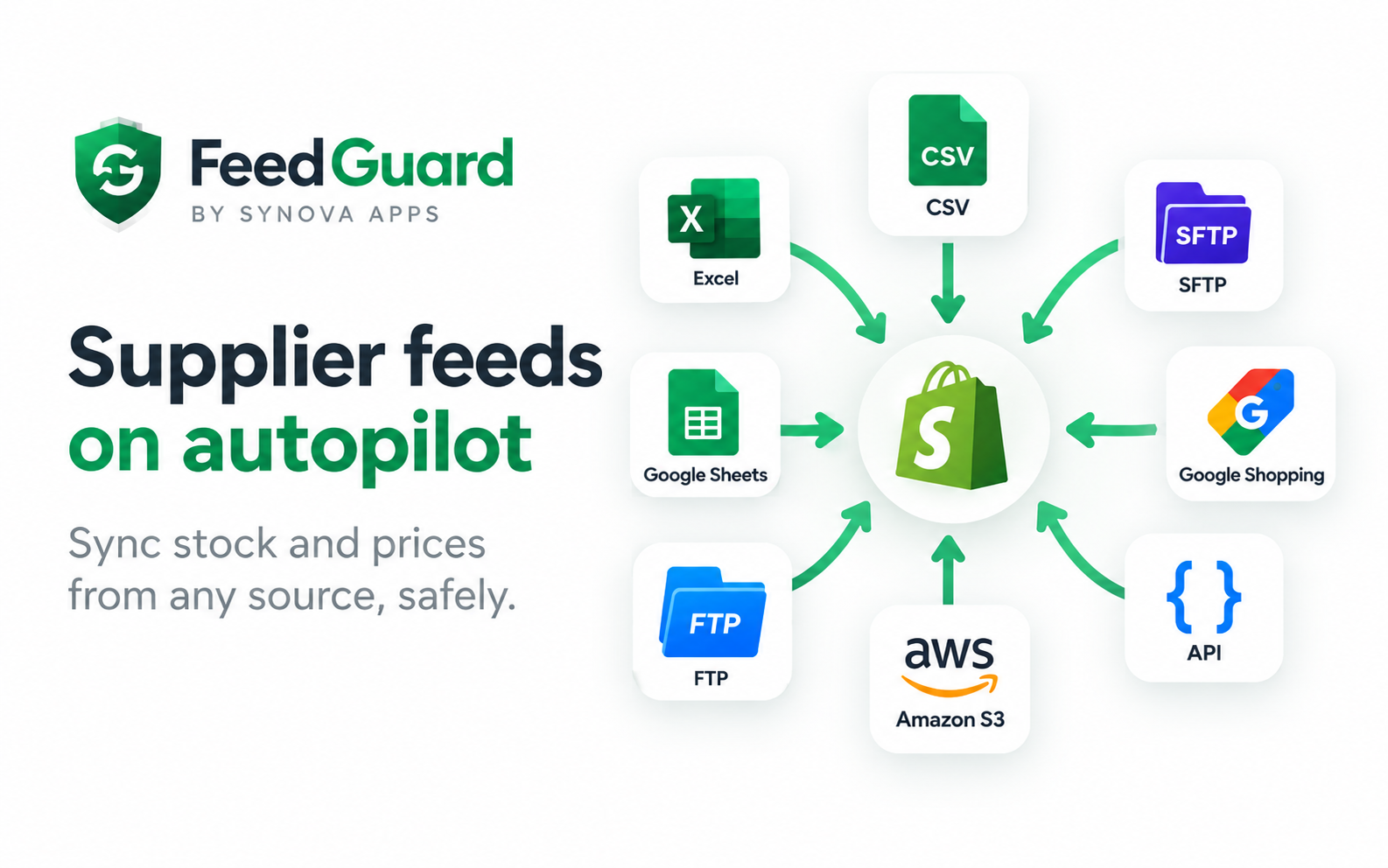
Supplier feeds on autopilot — without the fear. Sync stock and prices from any source, safely.
Turn WooCommerce into a B2B quoting machine — let customers request prices, negotiate, and pay, all in one flow.
Tell us how it works today. We'll tell you honestly what's worth automating, what it would take, and what it would cost.