
Supplier feeds on autopilot — without the fear. Sync stock and prices from any source, safely.
Preview · Protect · Undo
Every run computes a full diff against your live catalog first — which SKUs change, from what to what, how many go to zero. Your first runs are dry runs: reports only, nothing written.
Circuit breakers are on from day one. If a run would change too much of your catalog or zero out too many products, it aborts before writing a single value — and emails you why.
Every applied change is logged with its previous value. One click reverts an entire run — prices, stock, statuses — and the rollback is itself an audited run.
The 8am import
Every morning it's the same routine. Download the supplier file. Open it in Excel. Fix the columns. Import. Hope nothing breaks. And when something does break, you find out from a customer.
Most inventory apps do exactly what the file says — no questions asked. That's fine until the file is wrong. Then it's your catalog, your margins and your reviews that pay for it.
The differentiator
FeedGuard is the only supplier feed app that refuses to write data it doesn't trust. Four circuit breakers run on every sync, before a single value reaches your store. They're on by default, and you set the thresholds.
When a breaker trips: the run stops with zero writes — even in live mode — and you get an email with the exact reason, e.g. “File row count dropped 73% vs last run (4 vs 15) — limit is 50%.” The run page still shows everything that would have changed, so you can fix the file or raise the limit and re-run.
If a bad supplier file hits an ordinary sync app, it gets imported. If it hits FeedGuard, it gets stopped.
Circuit breakers
Aborts if more than X% of your catalog would change in one run (default 30%). Catches wrong files and shifted columns instantly.
Aborts if more than X% of your products would drop to zero (default 20%). This is the one that saves you from a truncated supplier export.
Aborts if the file has X% fewer rows than last time (default 50%) — the classic signature of a failed or partial export.
Set a floor and ceiling. Any price outside the range stops the run — catching decimal-point disasters before customers do.
Five steps
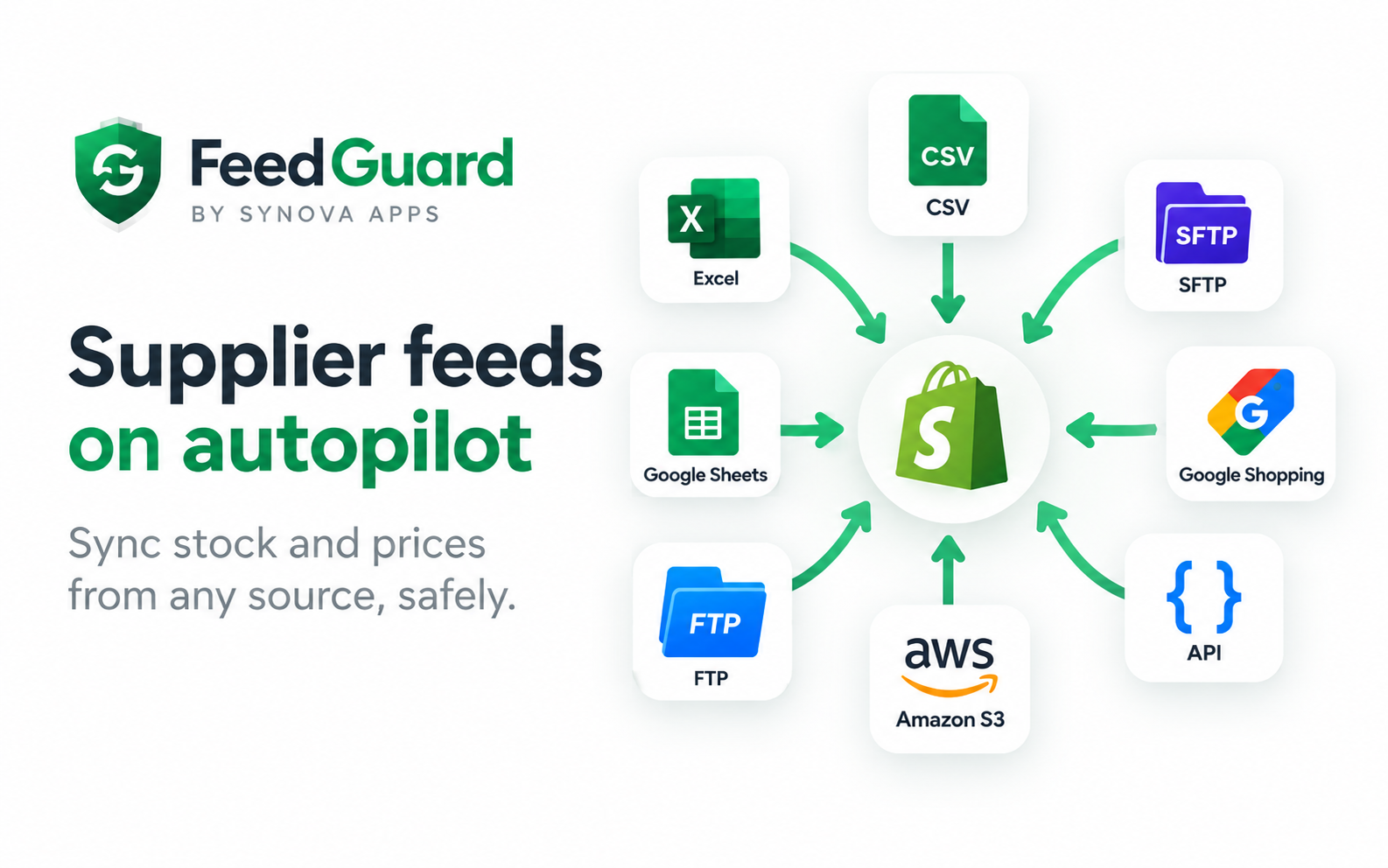
Point FeedGuard at a URL, FTP/SFTP folder, Google Sheet, S3 bucket or REST API — or drag a CSV/Excel file in. Every connector has a built-in setup guide.
Hit Auto-map and FeedGuard matches your headers to Shopify fields — even non-English headers like Artikel, Lagerbestand or Preis. Or start from a template.
Chain transforms on any field: add a margin, round to .99, hold back a safety buffer, prefix SKUs, or apply a lookup table. A live preview shows the first rows as they'll be written.
Run it. FeedGuard reads your live catalog and shows the change list — matched, not found, changing, going to zero. Nothing has been written yet.
After three clean runs, switch on live mode and pick a schedule from every 15 minutes to daily. It runs itself, emails you if anything's wrong, and keeps a full audit trail.
Connect anything
Drag and drop .csv, .xlsx, .tsv, .xml, .json — or a .zip. Multi-file archives are merged automatically.
Any direct download link, with custom headers (API keys) and basic auth. Skips the run when the file hasn't changed.
Host, user, password, folder and a file pattern like *.csv. Picks up the newest matching file.
The same, over SSH — password or private key.
Public 'anyone with the link' sheets work with zero setup; private sheets connect through a Google service account. Tab and range selectable.
Bucket, region, prefix and keys. Works with MinIO and Cloudflare R2 via a custom endpoint.
Point at any JSON endpoint, set the records path (e.g. data.products) and pagination. Nested objects are flattened automatically.
Automatic delimiter detection (comma, semicolon, tab, pipe), Excel workbooks, JSON, XML and zipped archives — including European decimal commas.
Mapping & transforms
No template to fill in. No reformatting in Excel. FeedGuard adapts to the supplier's file — not the other way around. Match products by SKU, barcode or handle, then map to inventory quantity, price, compare-at price, cost per item, title, tags, weight, status, barcode or product image URL.
Transform on the way in: add a 40% margin (x * 1.4), round every price to .99, hold back a safety buffer so you never sell your last 3 units, prefix supplier SKUs, translate status codes with find & replace or a lookup table, skip discontinued rows, and treat blank stock as zero.
A live preview shows the first rows transformed exactly as they'll be written, and row filters include or exclude rows with eight conditions. Supplier vocabulary like In Stock, Out of Stock and Discontinued is recognised automatically — unrecognised values are skipped, never guessed.
Automation
Pick per feed: every 15 minutes, hourly, every 6 hours, or daily.
FeedGuard checksums every fetch — no pointless API calls and no noise when the supplier hasn't updated their file.
Transient errors retry with exponential backoff before they're ever reported to you.
Manual runs always process, even if the file hasn't changed.
Watch a run move through fetching → parsing → mapping → reading your catalog → applying changes, with real counts.
Point each feed at a specific Shopify location; both the comparison and the write use that location's stock.
New products
When a supplier adds products your store doesn't have yet, FeedGuard can create them automatically — with title, price, barcode, stock and the product image from the feed.
They arrive as drafts, invisible to customers, so you review and publish on your terms. Dry runs list exactly which products would be created before you enable it. It's off by default, because your catalog is your decision.
Visibility
Feed health at a glance — healthy, warning or failing — with last run, next run, rows synced, and a 'needs attention' panel that explains failures in plain language.
Every run keeps its own change log: SKU, field, before, after, applied or not, and the error if something was rejected. Download any run's change log as CSV.
Get notified when a run fails, a guardrail trips, credentials stop working or rows error out — plus an optional weekly digest of everything your feeds did.
Every run has a private, read-only link you can send to support. We see exactly what happened — you never grant anyone access to your store.
Security & trust
Supplier credentials are encrypted at rest with AES-256-GCM and never displayed back in the interface.
FeedGuard only requests product and inventory permissions. It cannot see your customers, orders or payments.
Every write is recorded with its before-value. Nothing happens invisibly.
Shopify's data-deletion request purges your feeds, credentials and history.
Embedded app, session tokens, the official Billing API, and GDPR webhooks.
A real person answers support within 4 business hours — send a run's share link and we'll see exactly what happened.
Who it's for
Thousands of SKUs across a dozen distributors, each with a different file every night. Run them all hourly, keep stock honest, and stop a bad export from zeroing your bestsellers.
Your supplier's stock is the only truth, and it changes all day. Sync every 15 minutes, hold back a safety buffer, and let new supplier products appear as drafts automatically.
Big catalogs and prices that move with materials. Apply your margin formula on the way in and round every price to your preferred endings, on every sync.
Prices change daily and margins are thin. Price floors and ceilings stop a mis-keyed supplier price from becoming a loss-making order.
Keep managing stock in the sheet your team already uses. FeedGuard syncs it to Shopify on a schedule — public link or private service-account access.
How it's different
Where typical feed apps write blind, FeedGuard shows you exactly what will change first — and first runs are always dry runs.
Mass-change, zero-stock, shrunken-file and price-bound breakers are on by default. Most apps have none.
One-click rollback of a whole sync, instead of scrambling to re-import a corrected file.
Auto-map and templates fit the supplier's own format. No forcing their export into a rigid template.
Every plan includes unlimited SKUs — no tiering by catalog size.
Real people answer in under 4 business hours — not bots or queues.
Flat pricing · no usage fees · no per-row charges
2 feeds, daily sync, unlimited SKUs. All 7 connectors, diff preview & dry run, guardrails & rollback, product creation, and email alerts.
10 feeds, hourly sync, unlimited SKUs. Everything in Starter, plus Slack alerts and a weekly digest.
Unlimited feeds, sync every 15 minutes, unlimited SKUs. Everything in Growth, plus priority support and guided setup.
FAQ
Only if you tell it to. Don't map the quantity field and FeedGuard syncs prices and product data but leaves Shopify's stock alone. If you hold your own stock and sell supplier stock, point the feed at a separate Shopify location so the two never collide.
Shopify decrements stock as orders come in, so your number stays slightly lower than the supplier's until the next sync — the safe direction. For fast-moving stock, sync every 15 minutes and add a stock buffer.
That's what FeedGuard was built for. The run is compared against your live catalog first, and if the change looks destructive the sync aborts and emails you the reason. Nothing is written.
Yes. Open the run and click Revert. Every change goes back to its previous value, and the rollback itself is logged.
No. Auto-map matches your file's own headers to Shopify fields, and transforms handle margins, rounding, prefixes and conversions. Odd supplier codes translate through a lookup table.
CSV, TSV, Excel (.xlsx), JSON, XML, and zipped archives — including multi-file zips, which are merged automatically. Delimiters and decimal commas are detected for you.
Yes. Public 'anyone with the link' sheets need no credentials; private sheets connect securely through a Google service account you share the sheet with.
Yes, optionally. New SKUs from the feed can be created as draft products — with price, barcode, stock and image — for you to review and publish. It's off by default.
Yes. Each feed can target a specific Shopify location, and both the comparison and the write use that location's available quantity.
There's no SKU limit on any plan. The engine processes 100,000-row files in seconds; large catalogs simply take a little longer on Shopify's side, with the worker running in the background.
Yes. All connector credentials are encrypted at rest with AES-256-GCM and are never shown again in the interface — you can update them, but nobody can read them back.
No. The app only requests product and inventory permissions. It has no access to customers, orders or payment data.
Set up your feed in FeedGuard alongside your current app and leave it in dry-run. The diff preview shows exactly what it would change, so you can confirm the mapping before switching anything off. Most merchants are done in 15 minutes.
Email support@synovaapps.com and a human answers within 4 business hours. If it's about a specific sync, send the run's share link and we'll see exactly what happened.
Connect your first supplier in five minutes. Watch it run in dry-run for as long as you like. Go live only when you're ready — billing runs through Shopify, and you can cancel in one click.
FeedGuard keeps your Shopify stock and prices in sync with your suppliers — automatically. Pull data from any source (CSV, Excel, FTP/SFTP, Google Sheets, Amazon S3 or a REST API) on a schedule you choose, map the columns in one click, and reshape values on the way in with margins, rounding, safety buffers, prefixes and lookup tables.
What makes FeedGuard different is that it shows you a full diff before anything is written, refuses to import supplier files it doesn't trust, and lets you undo any sync in one click. Every plan includes unlimited SKUs, every connector and every safety feature — with flat pricing and no per-row fees.
Need something FeedGuard doesn't do?
The team behind it also builds custom Shopify apps and store automations.
Tell us how it works today. We'll tell you honestly what's worth automating, what it would take, and what it would cost.